

I had a brilliant business idea a couple of years back.
And when I say brilliant, it means it didn’t work at all, but that’s not the point here.
The point is that it required creating a simple app.
Even though it was simple, it took me more than a month to develop and deploy it. Something that would probably take you less than a day today, thanks to the AI.
That’s how it works nowadays, right?
You just tell AI what you want, and it will create it for you.
There is even a term for it: Vibe Coding.
And that’s what I will cover in this article, because it isn’t something that’s relevant only for individuals trying to create something on their own.
This is serious business, as they are forcing their developers to use AI as much as possible, thinking it will lower development costs.
Lesson #1: AI does not know the difference between “code that works” and “code that is safe.”
Here’s what you can expect to learn from this article:
What is Vibe Coding
Why does AI produce these flaws by design
The 3 security issues that show up in vibe-coded apps over and over
An interactive challenge at the end
What is Vibe Coding?
Vibe coding means describing what you want in natural language and letting AI write the code. In other words, instead of opening an IDE, setting up an environment, creating an architecture, and then developing an app, you just tell Claude to create an app that does X and Y.
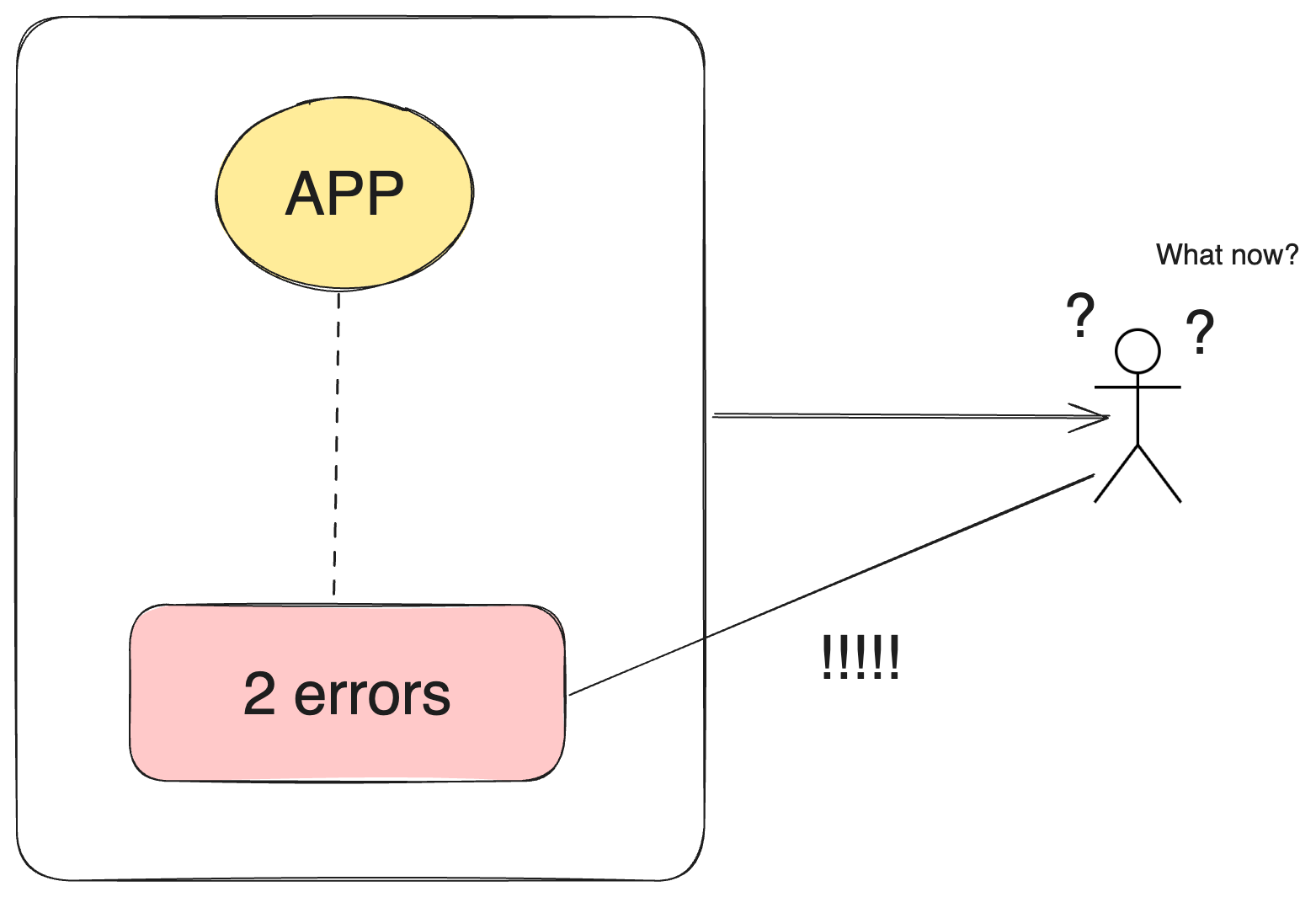
You test if it works. If it does, you move on. If it doesn’t, you paste the error back and let the AI fix it.
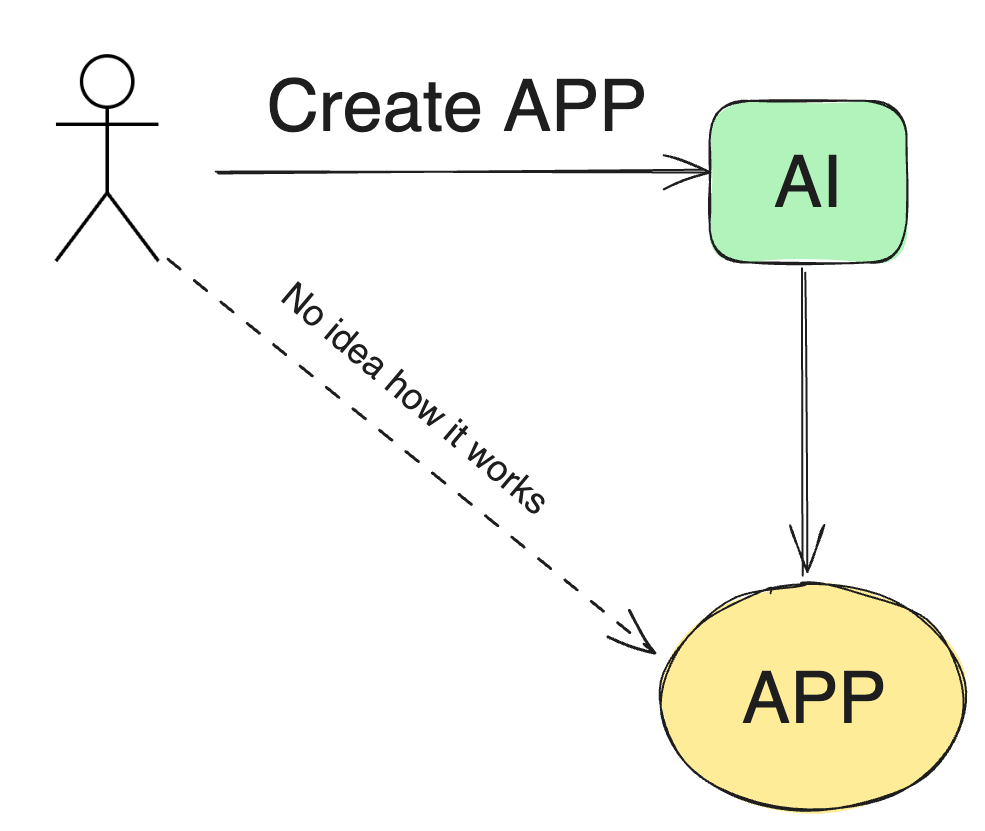
You never fully read the code. You never fully understand the code. You “trust the vibe”.
It sounds perfect, doesn’t it? Finally, you don’t need those expensive developers.
But there is a hidden cost that most people don’t see.
You might save effort now, but you pay with security and maintenance.
Do you think you can spot the most common AI mistakes already? Let’s find out!
The hidden cost of Vibe coding
There are two major problems with this concept.
First, if you develop an app or any system this way, you don’t really know how it works. Which also means, if there is any problem with the app, there is no one who can effectively fix it.
A team of developers who actually wrote the code is typically able to debug it a lot more effectively than that one guy who let the AI do his work.
A lack of knowledge of a system’s internal workings will eventually drive maintenance costs to an unbearable level and create significant technical debt that will need to be paid off someday.
WITH INTEREST.
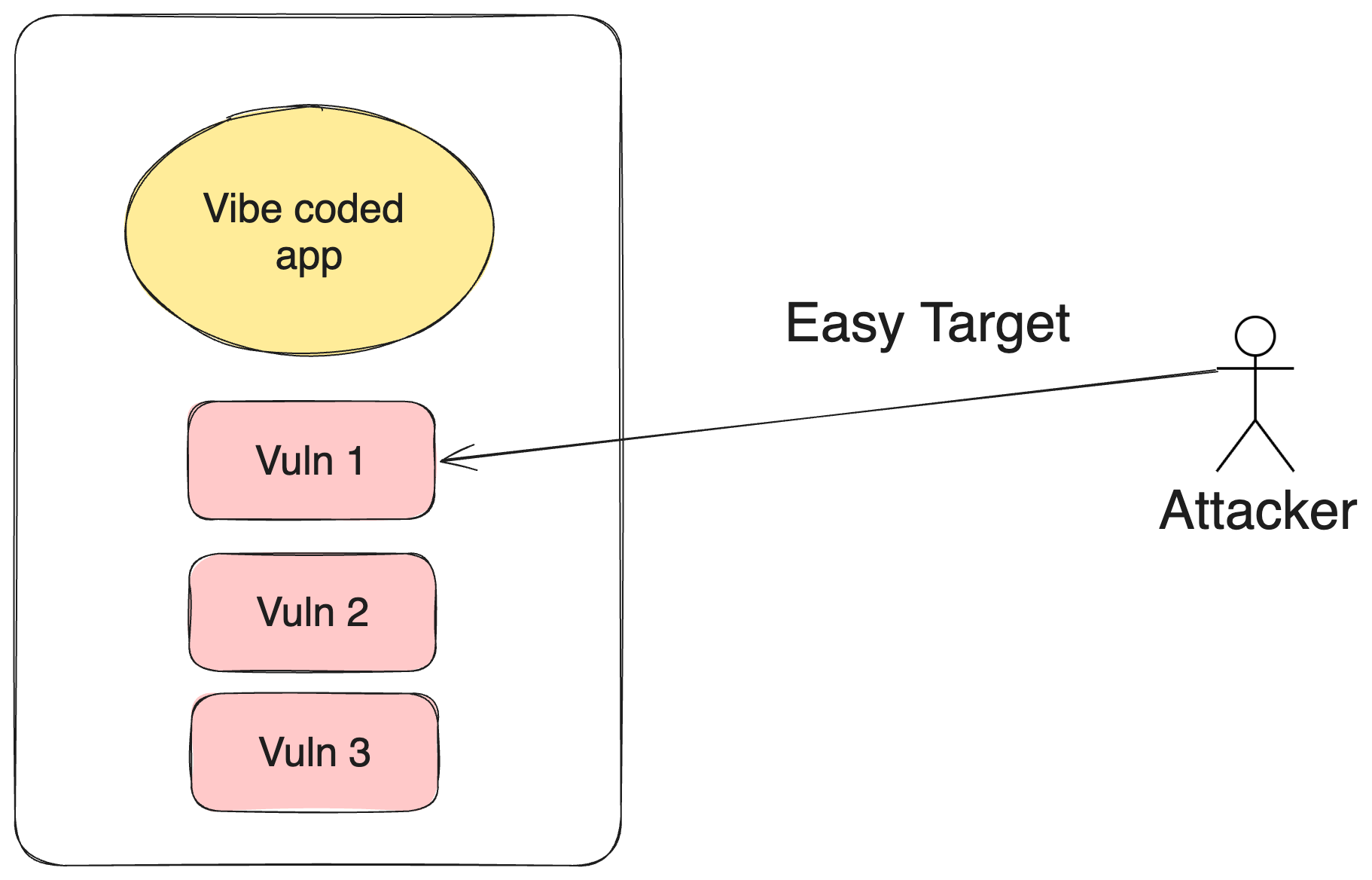
Second, AI typically creates insecure code. And when I say insecure, I mean real security vulnerabilities that can be easily exploited.
Why?
The reason is quite simple: AI coding assistants learned from public code. All of it.
Secure code written by careful engineers. And insecure code from old tutorials, learning materials, and Stack Overflow answers that skip security “for simplicity.”
If there is one thing you should remember from this article, this is it: AI does not know the difference between “code that works” and “code that is safe.”
Let’s take a look at the most common security mistakes AI makes so you can spot them!
Top 3 security issues - Vibe Coding
Let me set one thing clear. I didn’t perform any comprehensive study. This list is based purely on my personal experience as Cybersecurity Manager.
This is the most serious security issue that I see AI make on a regular basis.
1. Hardcoded secrets
API keys, database passwords, and tokens written directly into the code.
The app works perfectly. Of course if does. But it is something that even junior developers are used to avoiding.
This is something you really want to avoid. So next time you create an app with an AI, make sure the secrets are stored securely.
How to fix it: secrets belong in environment variables or a secrets manager. Never in code. Search your codebase for “key”, “password”, “token”, “secret” before every deploy.
2. Missing authentication and authorization
Two different questions that vibe-coded apps constantly confuse:
Authentication: Who are you?
Authorization: Are you allowed to do this?
Interested in more theory on this topic?
AI-generated apps often check the first and forget the second.
This is what usually happens: Your app verifies the user is logged in, but not that the invoice they’re opening is their invoice.
So if you change /invoice/1042 to /invoice/1043 in the URL, you can easily read someone else’s data.
This is called an IDOR (Insecure Direct Object Reference). One of the most common real-world vulnerabilities. And something that you can see all the time in vibe coded apps.
The fix: for every endpoint, answer two questions. Who can call this? What exactly are they allowed to see or change?
3. Poor input validation
This particular problem was fairly common even before the AI age.
Well, that means AI had plenty of opportunities to learn the incorrect behavior.
A lack of input validation opens the door to SQL injection, cross-site scripting, or path traversal attacks.
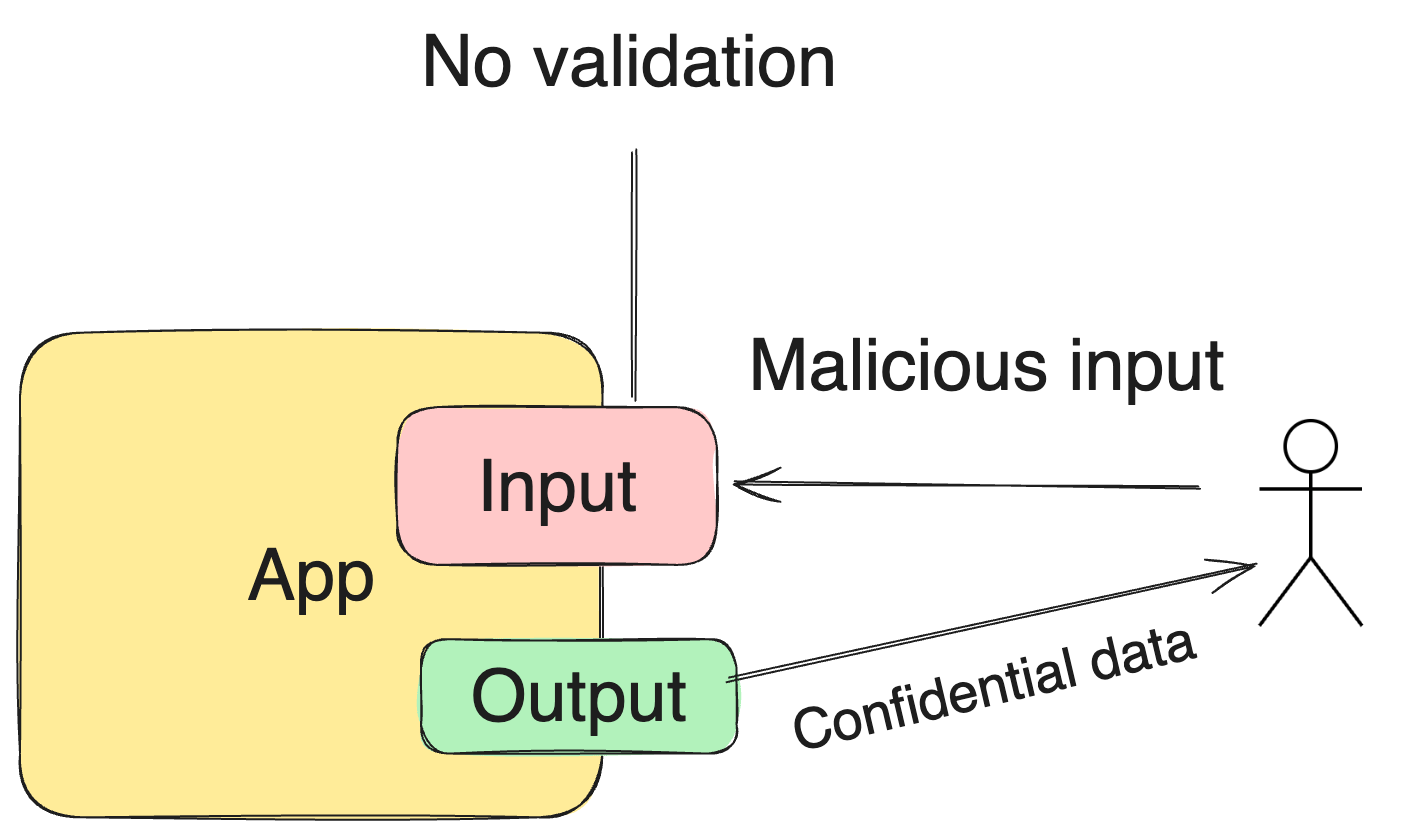
They still work, because many apps still trust user input. Even though they shouldn’t.
AI-generated code usually validates the “correct” path only. Because the correct path is what makes the demo work.
However, the real world isn’t always so peachy.
How to fix it: Treat every input as hostile. Validate on the server, not just in the browser. Use parameterized queries, always.
Test yourself: Can you spot the vulnerability?
Reading about my experience with Vibe-coded apps is one thing. But can you actually spot the vulnerabilities in the real world?
That’s why I built an interactive challenge for you!
Finish the challenge, comment on the article, and get a 1-month premium Decoded Security subscription for FREE!
Finish the challenge and drop your score in the comments!
Conclusion
Congratulations! If you finished the challenge, you can now spot the most common security mistakes AI typically makes.
But before you go, let me say this. I am not saying using AI for software development is bad. That isn’t the point. However, we shouldn’t give up on the standards that we spent decades developing.
AI isn’t the problem, the 100% trust that it doesn’t make any mistakes is.
So keep that in mind!
See you next week!
Erich
Decoded Security
FAQ
Is vibe coding bad? No. It can speed up the development, and it is perfect for prototypes. The problem is shipping code nobody reviewed, and nobody understands for real users.
Can’t I just ask the AI to write secure code from the start? It helps a lot. Add “follow security best practices, no hardcoded secrets, validate all inputs, enforce authorization on every endpoint” to your prompts. But make sure to verify it anyway!
Does this matter for the CISSP or Security+ exam? Absolutely. Secure defaults, least privilege, input validation, and secure SDLC are core exam concepts. Vibe coding is simply the newest place where the oldest principles apply.
Let’s Connect
If you want to collaborate, discuss, or just geek out over networking and cybersecurity, reach out:
Email: erich.winkler@decodedsecurity.com
LinkedIn: Erich Winkler
Gumroad community: Decoded Security
Start Here: Decoded Security Roadmap
Enjoyed this article? Like it or drop a comment. I’d love to hear your thoughts and questions!
Let’s learn and grow together!
“A lack of knowledge of a system’s internal workings will eventually drive maintenance costs to an unbearable level and create significant technical debt that will need to be paid off someday.”
totally agree. this is totally a hidden cost that ends up being paid much later. great read! 🔥
That last one is so common. I'm not sure if I've ever seen an AI agent do field validation unless I specifically asked it to.