

The Internet is no longer secure. Was it ever? Probably not, but now we have everything online, everything digitized.
We demand convenience. We want everything online.
That also means that we share our data everywhere. And that’s why you need to start taking it seriously.
Protecting your privacy is an endless struggle.
And the worst part?
If you do it right, nothing happens.
The best result you can get is that everything goes as it is supposed to.
But if you ignore these 5 things, chances are you will lose money, your accounts, or your dignity.
The good news? It is completely free, and it will only take you about 20 minutes!
20 minutes for a piece of mind? That is a good trade, isn’t it!
Do you need a piece of advice on privacy protection? Feel free to reach out to me!
Why should you read this article?
Here is the thing. Having a master’s degree, CISSP, and working as a Cybersecurity manager, I have spent years studying privacy protection.
But you don’t have years to study how to protect your accounts.
You need simple, actionable steps you can do by yourself.
And that’s what I am offering you.
Big benefits, for very little effort.
5 actionable steps to ruin a scammer’s day
1. Audit your app permissions
You never know who really created the app you are using.
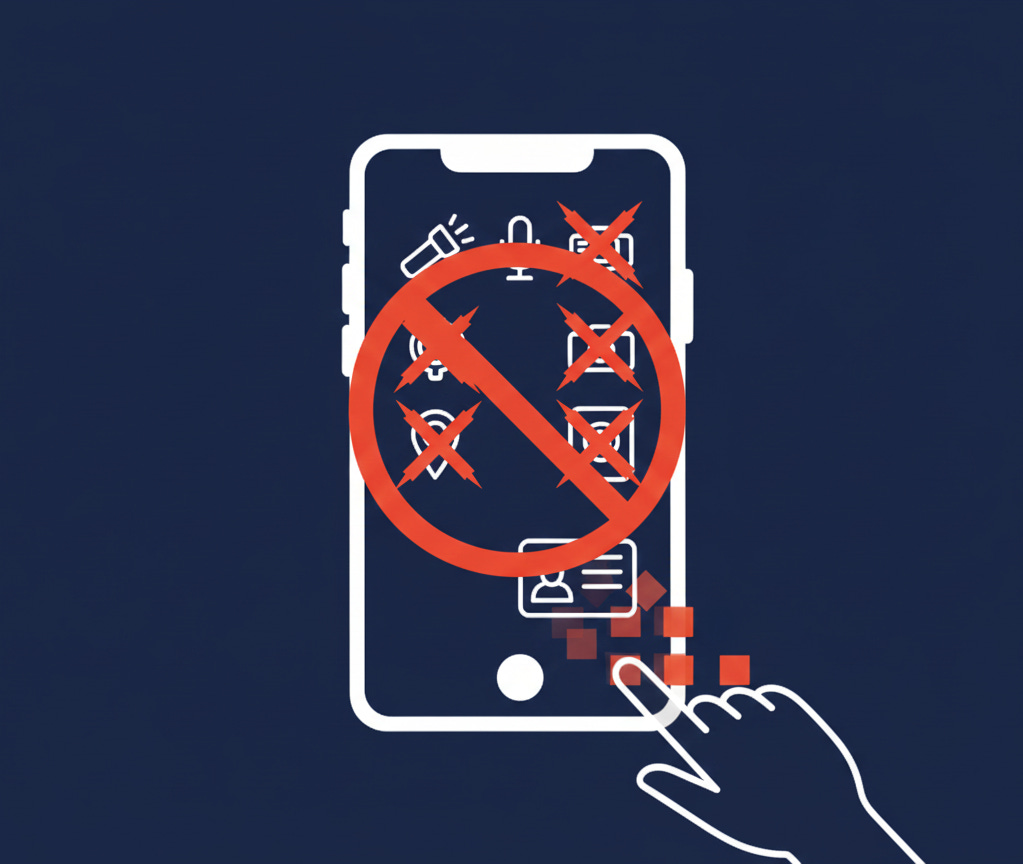
And being honest, you don’t even know what data the app gets about you. That’s why you should limit access to the least possible amount.
Your flashlight doesn’t need your contacts. The stupid game doesn’t need your microphone.
Remove everything that isn’t essential and be extra careful about location, camera, and microphone access.
And while you’re at it, delete all apps you don’t use!
2. Kill password reuse (for real)
If one service gets breached, reused passwords turn it into 10 breaches.
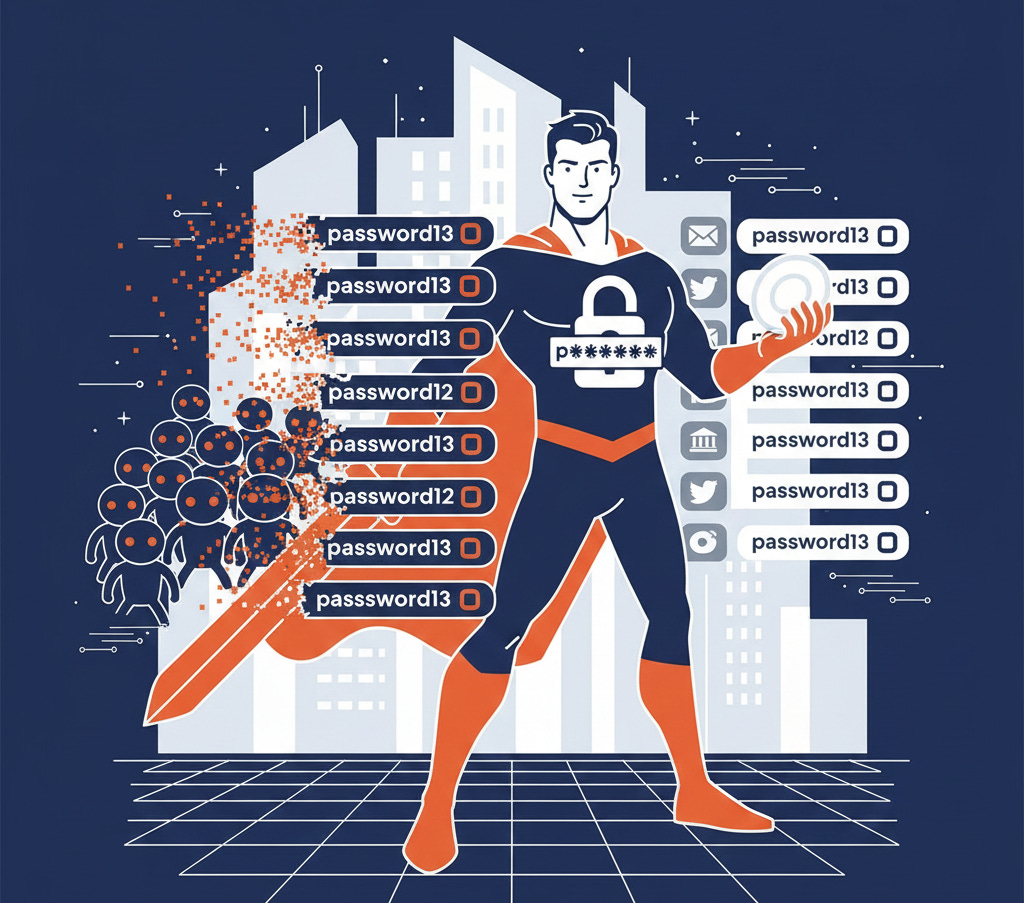
Here’s how it usually plays out:
A random service gets breached
Your email + password leaks
Attackers try the same combo everywhere else
One success is all they need
You don’t get hacked because someone targeted you.
You get hacked because automation found you.
The fix:
Use a password manager (iCloud Keychain, Microsoft Authenticator…)
One unique password per service (Generated)
Never “slightly modify” old passwords
This single change removes a massive class of attacks.
What password manager do you recommend?
3. Use that goddamn 2FA
This is a big one, so I want you to focus here. Password is no longer enough!
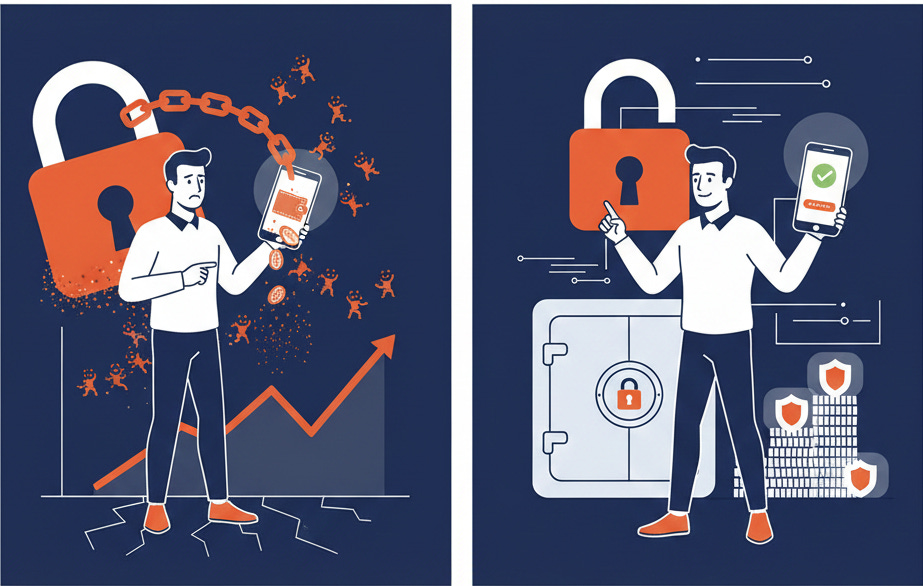
Sooner or later, it will leak, and someone will try to access your account.
And all you need to do to stop it is to set up two-factor authentication.
Yes, it will take you like 30 seconds every time you log in, but it will prevent the majority of attacks.
Chances are that attackers would rather find an easier victim than attempt to overcome your 2FA.
Bonus: Use an authentication app, not SMS.
What authentication app do you use, and why? Let me know in the comments!
4. Secure your email first (everything depends on it)
Your email is the reset button for your entire digital life.
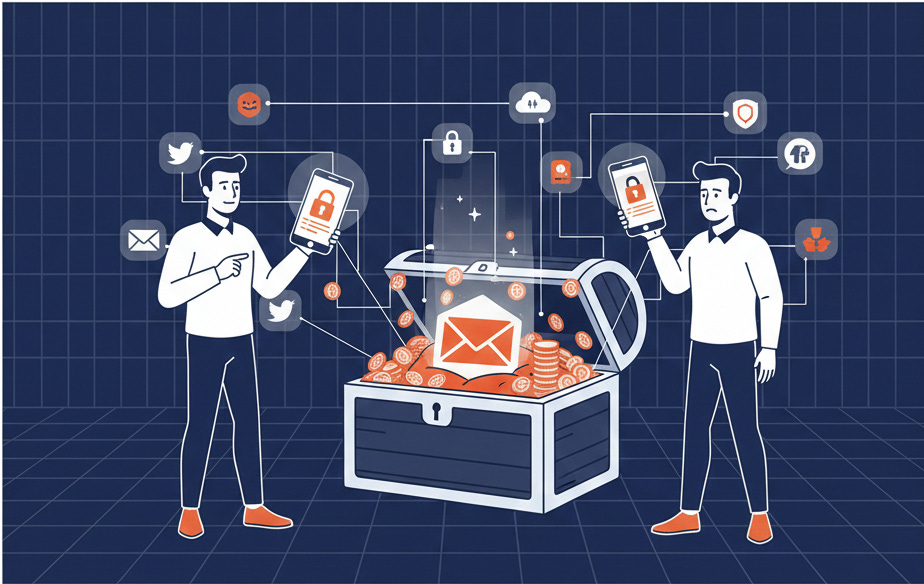
If someone controls your inbox, they can:
Reset passwords
Take over accounts
Lock you out permanently
Pretend being you
Yet email security is often an afterthought.
Do this:
Enable multi-factor authentication
Review recovery email addresses
Remove old linked apps and services
Think of email as your digital passport.
Protect it accordingly.
5. Reduce your data exhaust (Delete old accounts)
Every unused account is a future problem.

Old forums.
Abandoned SaaS tools.
Apps you forgot existed.
Each one:
Stores your data
Can be breached
Can leak years later
You don’t need to delete everything.
Just start with what you no longer use.
Less stored data means:
Less exposure
Less cleanup later
Less damage when (not if) breaches happen
An account that doesn’t exist can’t be stolen!
And while you’re at it, unsubscribe from everything you don’t use too!
Do you find this article useful! Let me know in the comments! Any feedback is appreciated!
Conclusion
If you’re reading this, Congratulations! That means you take your privacy seriously. According to all of the known statistics, cybercrime skyrocketed and continues to grow.
Trust me, it’s time to start taking this seriously!
But here is the good news! Attackers usually pick the easiest target. And if you follow the steps above, the chances are you will be safe. And all it takes is 20 minutes a year!
Tell me, isn’t it stupid to risk your money and privacy for 20 minutes?
I think we both know the answer!
Let’s connect
If you want to collaborate, discuss, or just geek out over virtualization and cloud security, reach out to me:
Email: erich.winkler@decodedsecurity.com
LinkedIn: Erich Winkler
Enjoyed this article? Like it or drop a comment. I’d love to hear your thoughts and questions!
Let’s learn and grow together!
Ready to level up your cybersecurity skills?
💬Comment below and tell me what your experience with SLAs is
❓Take the quiz to test your understanding: CybersecErich: Quiz Hub
📰Subscribe (free or paid) to get new posts straight to your inbox.
Share this with a friend studying for CISSP, or anyone curious about cybersecurity.
Thank you. Fixed most of these points. And shredded old files. (If necessary, copies are available for authorities). 2026 files opened. Backups taken. Work now ready for 2026. Did I say 'thank you' for these ideas?
Thanks Erich, this is absolutely essential advice. Pleased to report that I've done the first 4, and now I just need to concentrate on completing task number 5 to be secure by the end of the year.
Thanks for providing such a great service to us all.